
A selection of commonly used orders, referred to as “pre-populated orders”, is available. You may choose to create orders using these pre-populated orders, only if they fully align with the agreed terms.
Categories are displayed based on the selections made in previous sections.
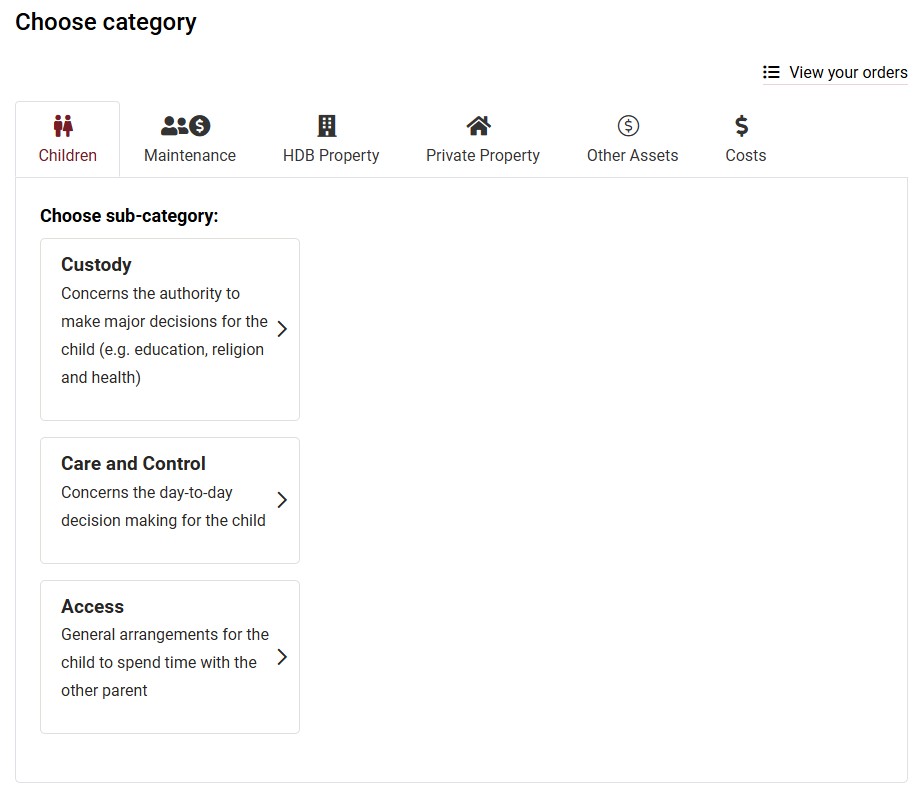
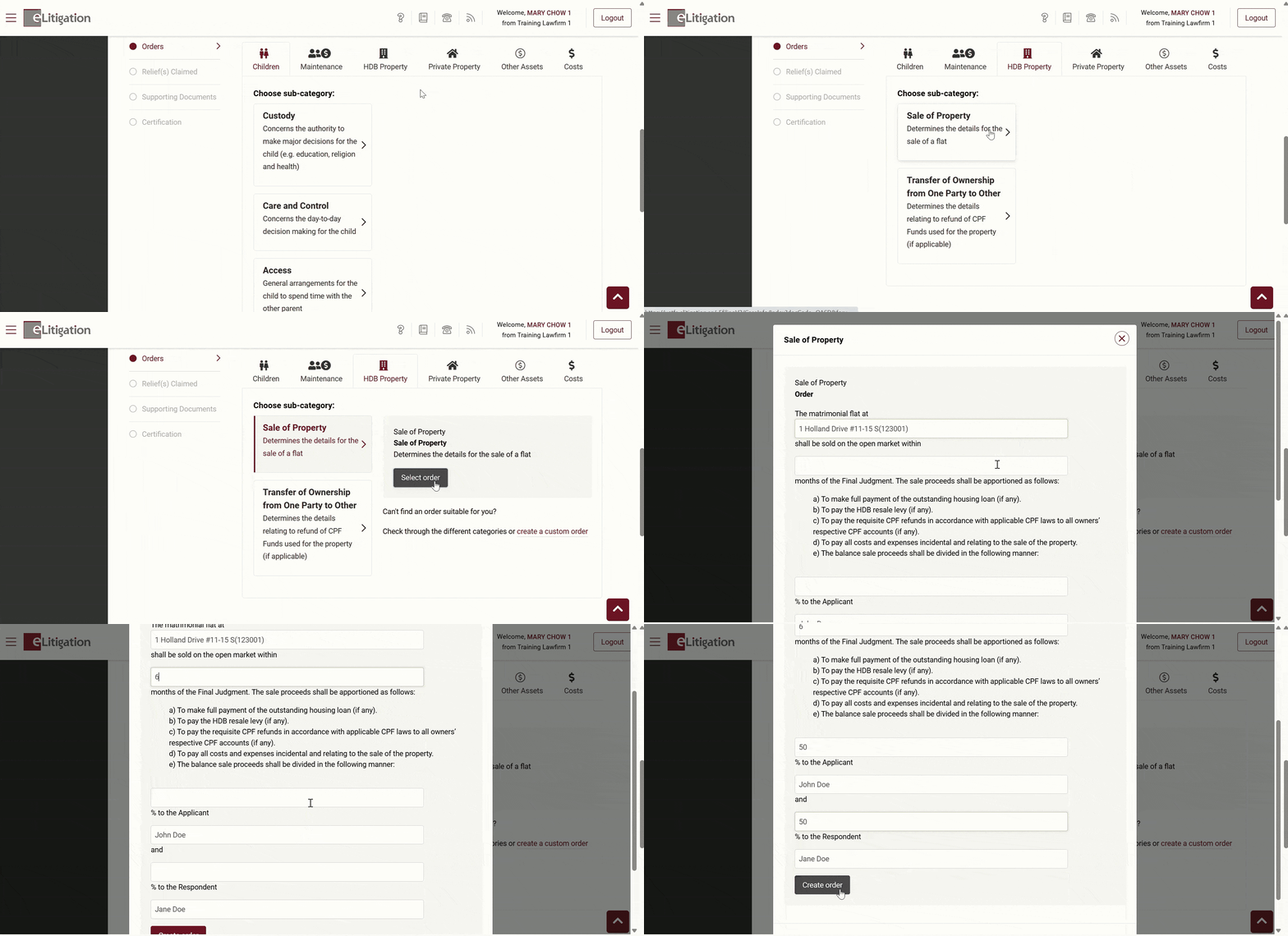
- Create an order by selecting the category, sub-category and the relevant order.
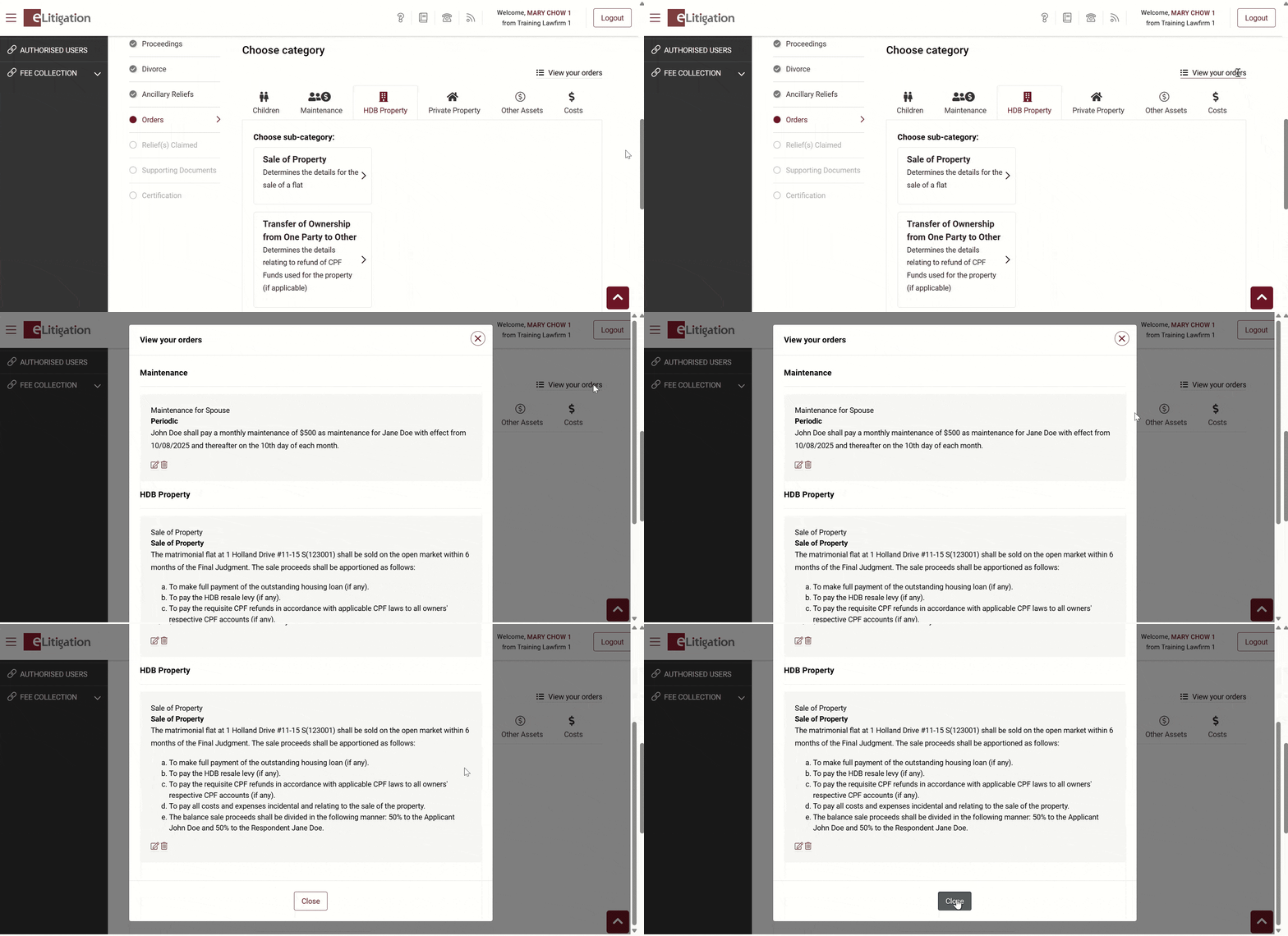
- View the orders that you have created
Quick pointers:
- Orders are grouped by category.
- Adding an order under every category is optional. The tabs are primarily there to help users browse or search for specific orders easily.
If you can’t find a suitable pre-populated order, you can create your own custom orders.