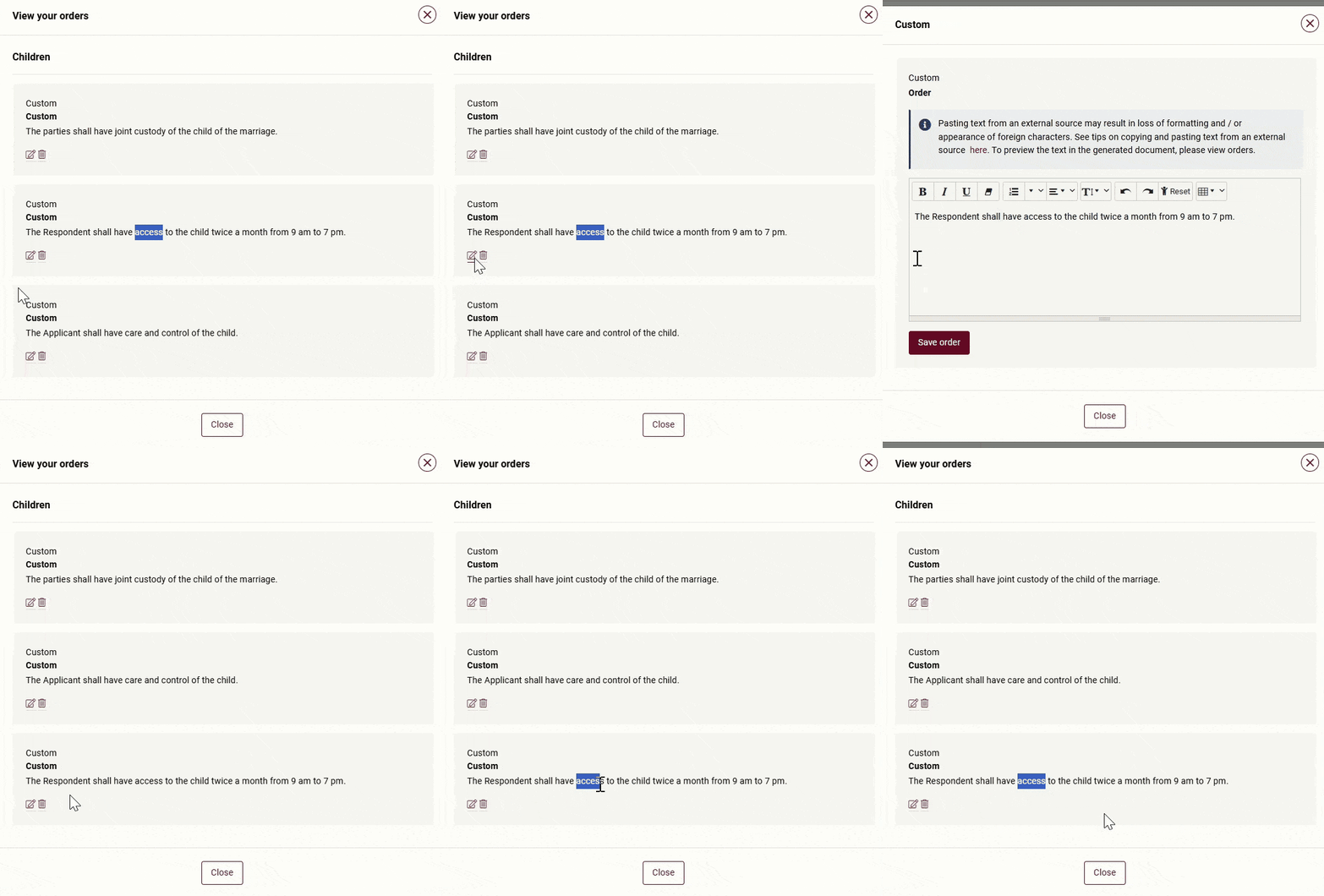
If you would like the custom orders to be displayed in a certain sequence, you will need to add the orders according to the desired sequence.
For example:
- Custody
- Care and control
- Access
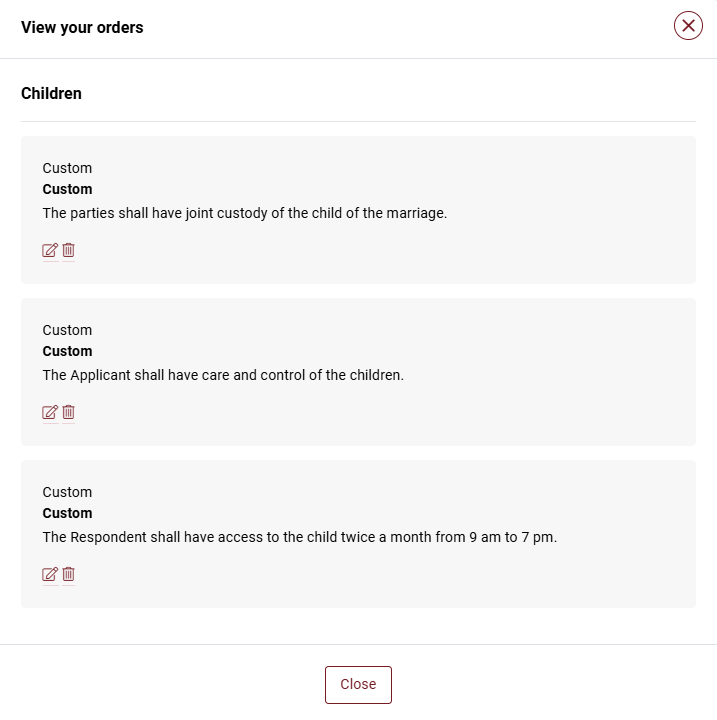
If you amend any of the orders eg “Care and control”, the amended order will shift to the end of the list.
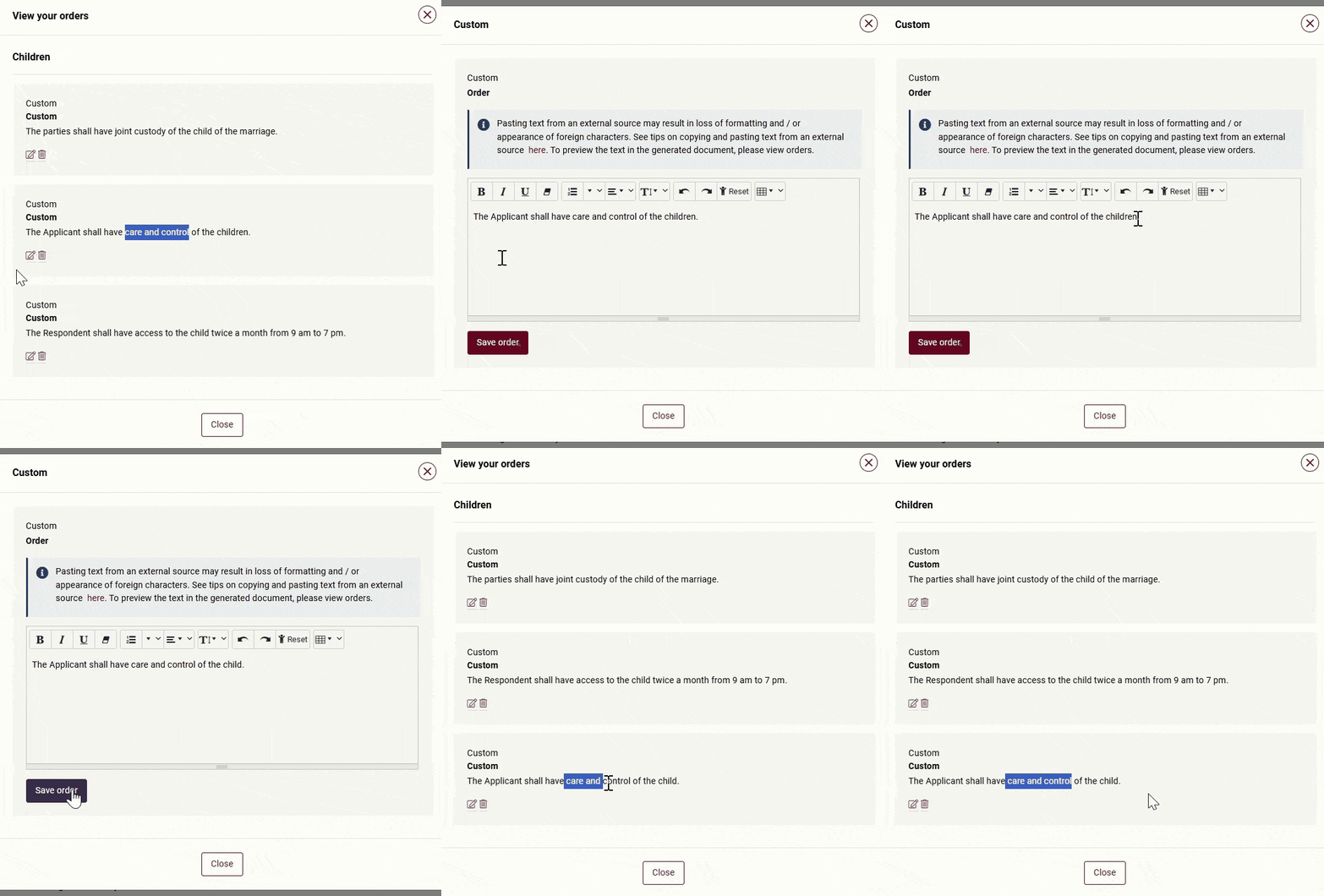
To correct the sequence, instead of deleting and re-doing all the orders, you can re-sequence by “editing” an order.
In this example, to move the custom order “Access” to the end of the list, you can click “Edit” and “Save order” without making any changes. By doing so, the custom order “Access” will be shifted to the end of the list.